Screenshot + video tutorial
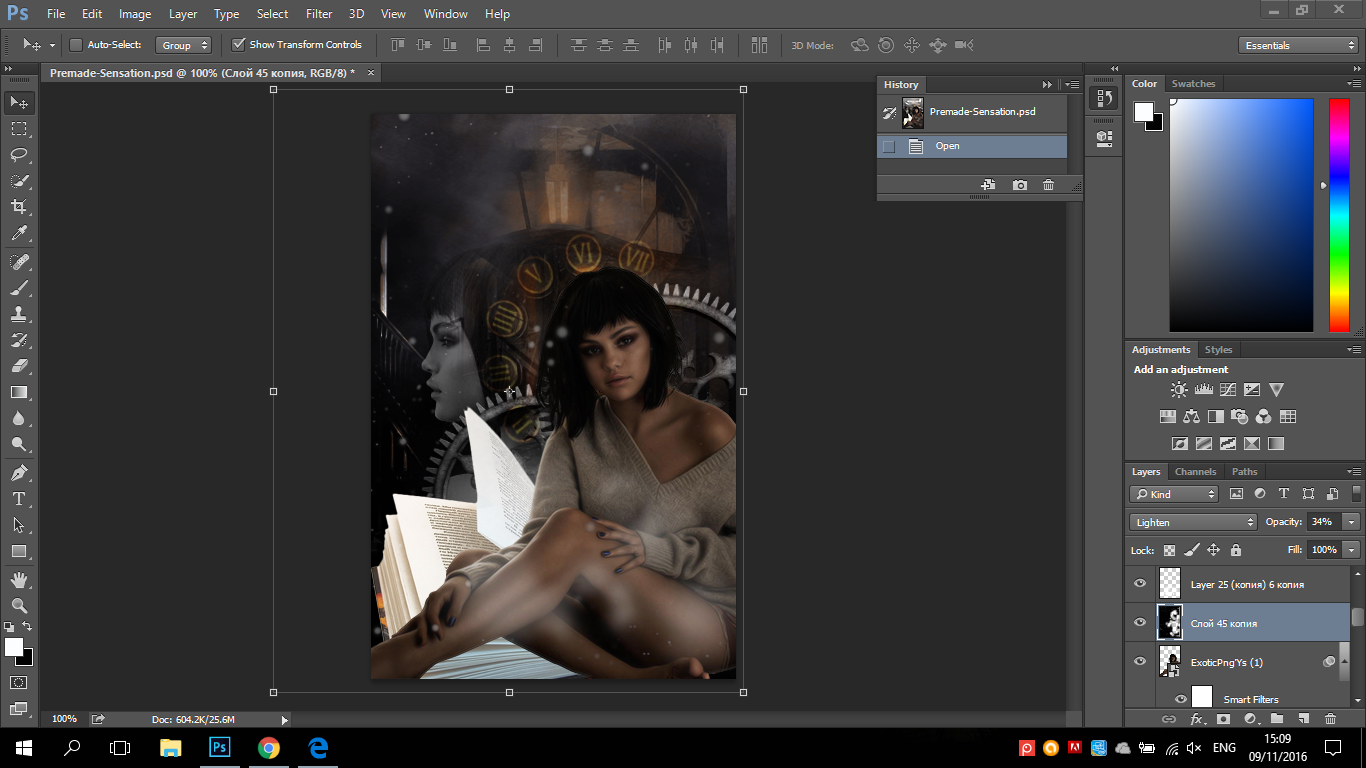
Screenshots
These are the settings for a wattpad cover.

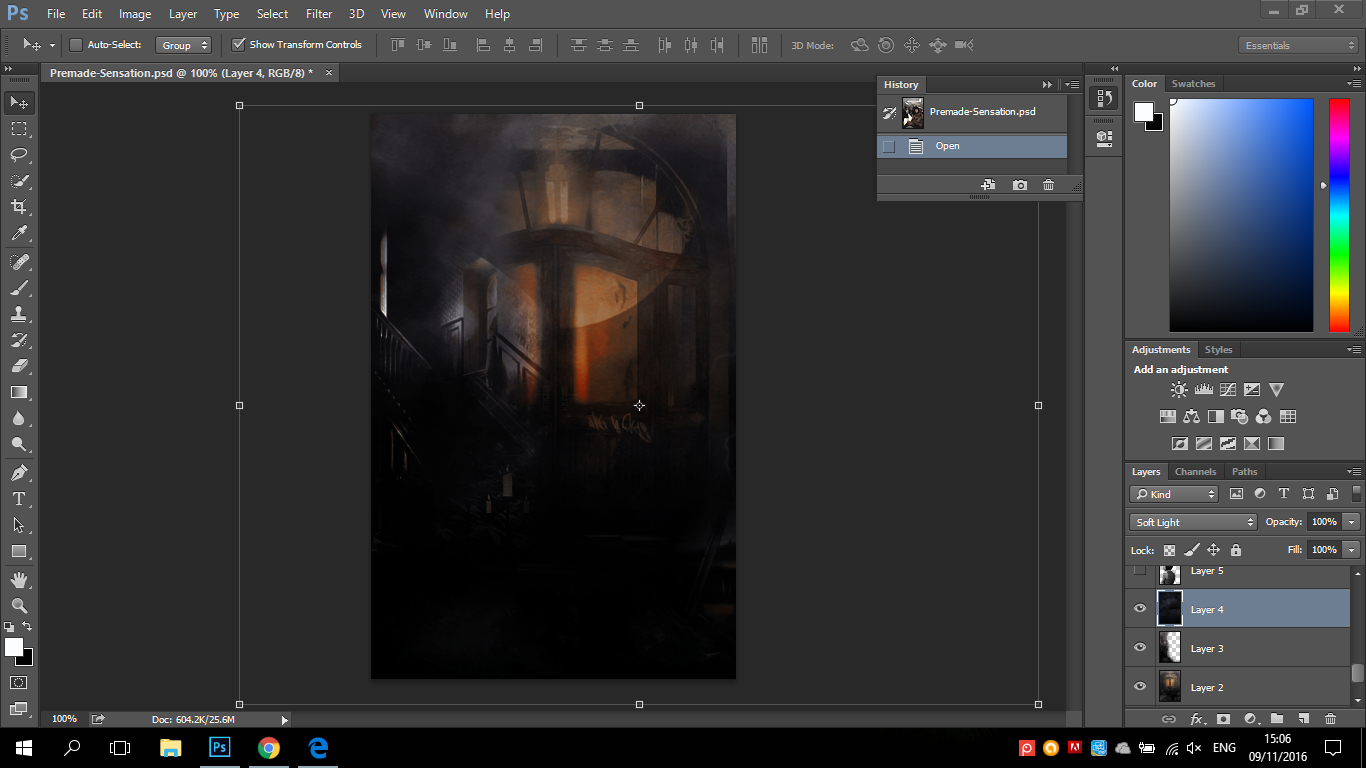
Then we add the background textures. In this case I've blended 2 textures by simply erasing the the not needed part.

Then cause I wanted the background to be darker I added another texture which I turn to 'Soft Light' mode.
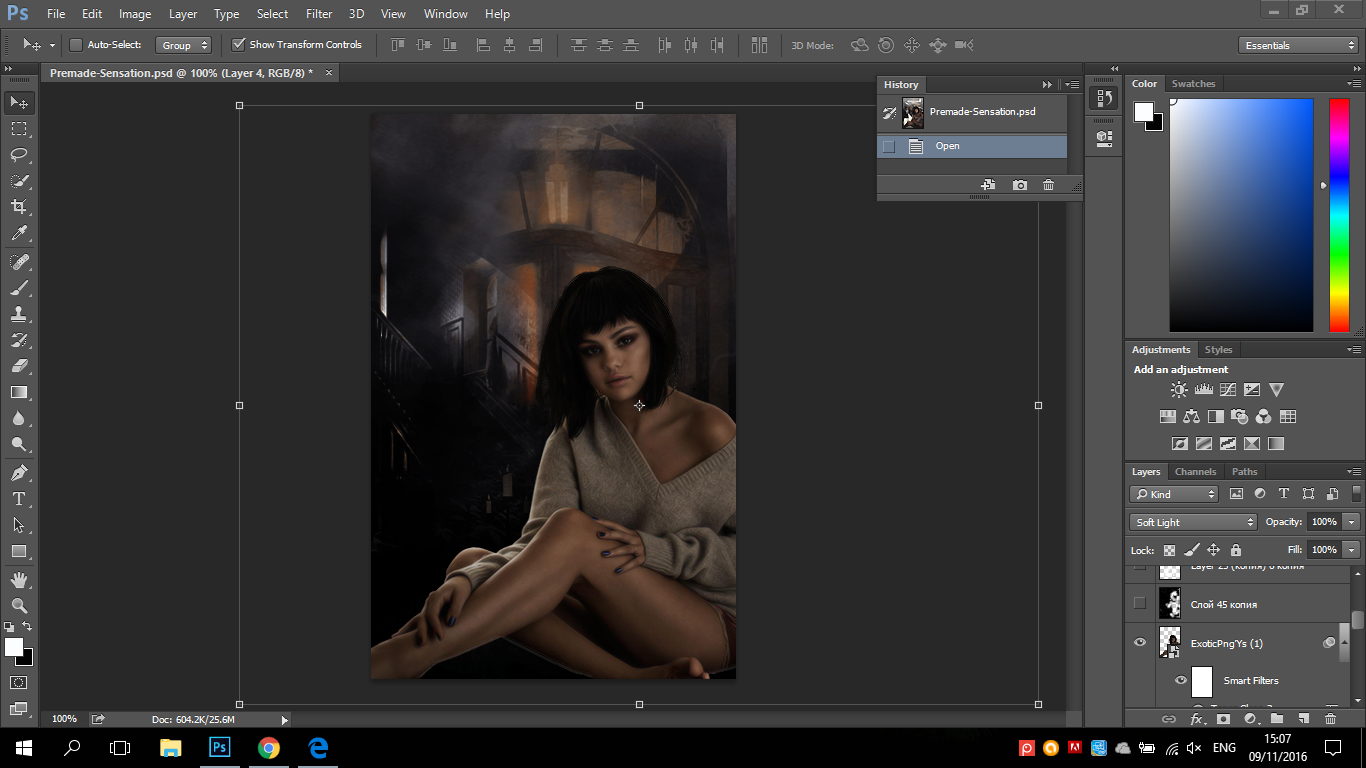
Then I added the model on the spot I thought was the best.
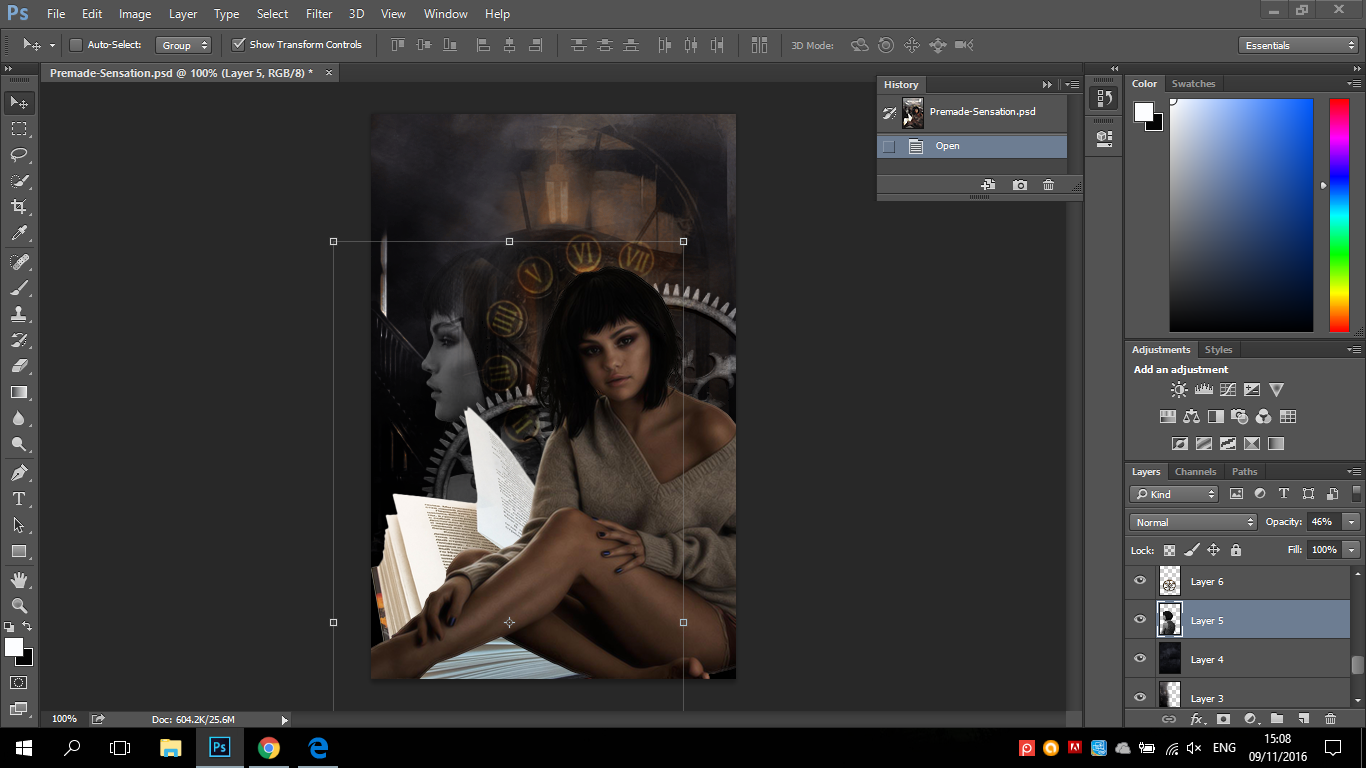
Afterwards, I added the png background that I thought were the best behind the model.

Then after I added the second model in black&white mode I changed its opacity to 46%.
Then I added white lighting and particles on it.
The I added the title; the font is couture. And I also blurred the text with Gaussian blur. Plus, I added feathers brushes.

Then last and most important, I added the right colouring.

And he is the cover made in a video tutorial.
https://youtu.be/I9x-f-OvHis

part by -iridescent
Bạn đang đọc truyện trên: Truyen247.Pro